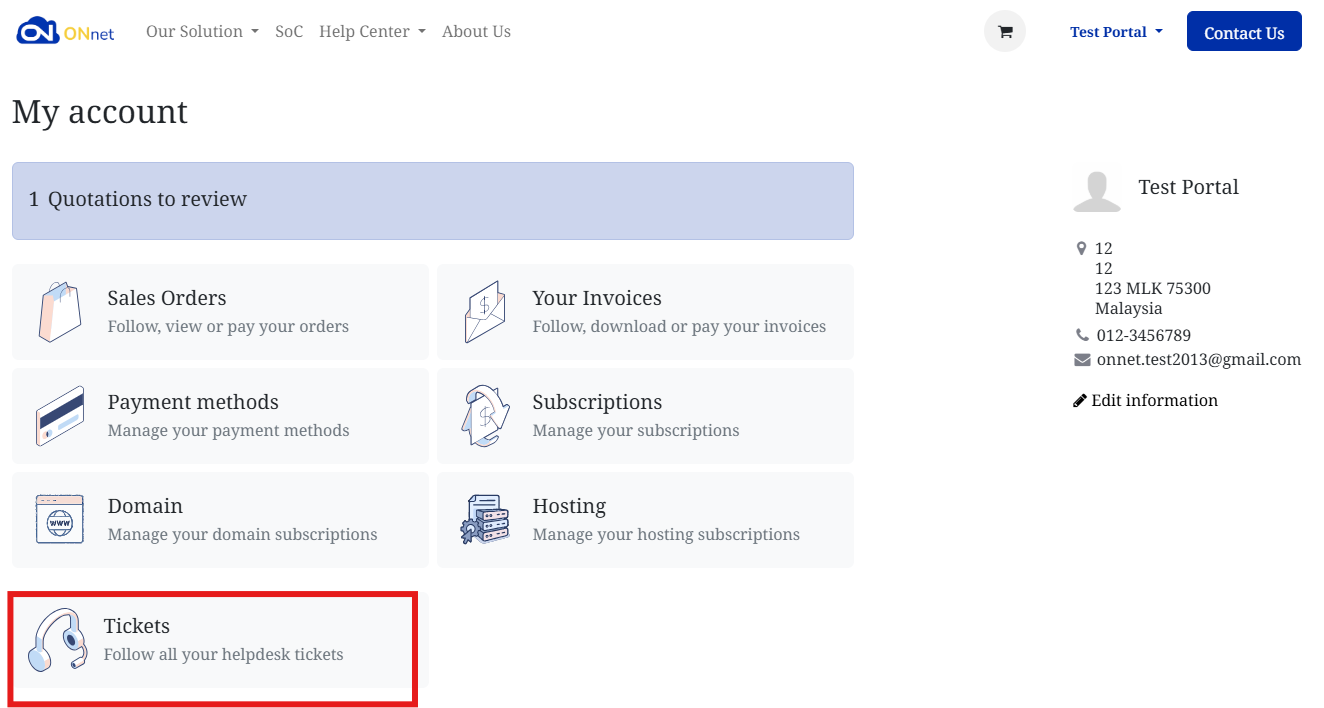
How to Get Help
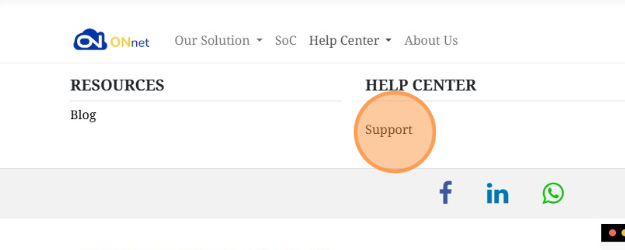
1. Go to "Help Center"

2. Click "Support"
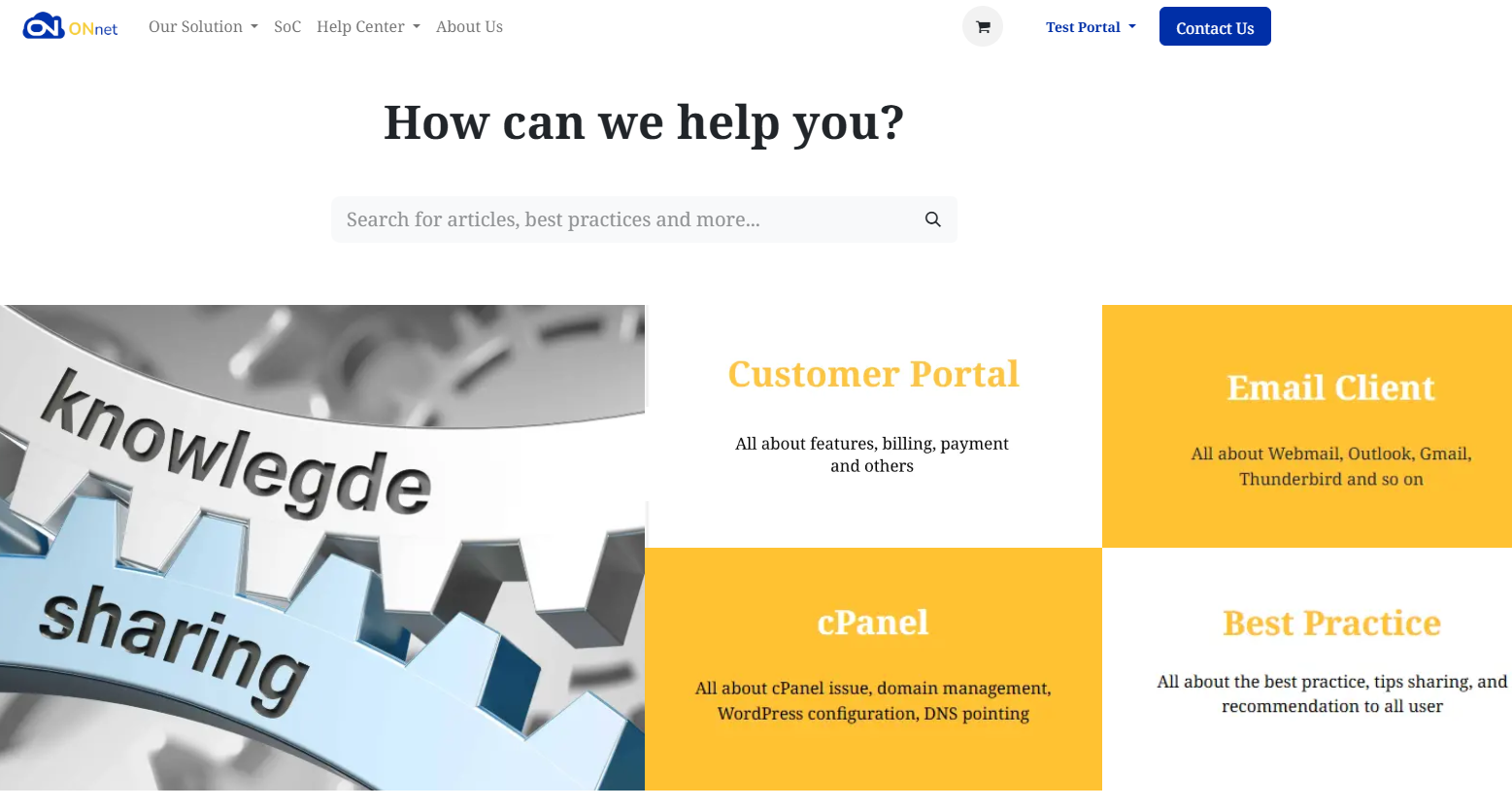
3. Find a solution in the knowledge base to resolve the issue more quickly.
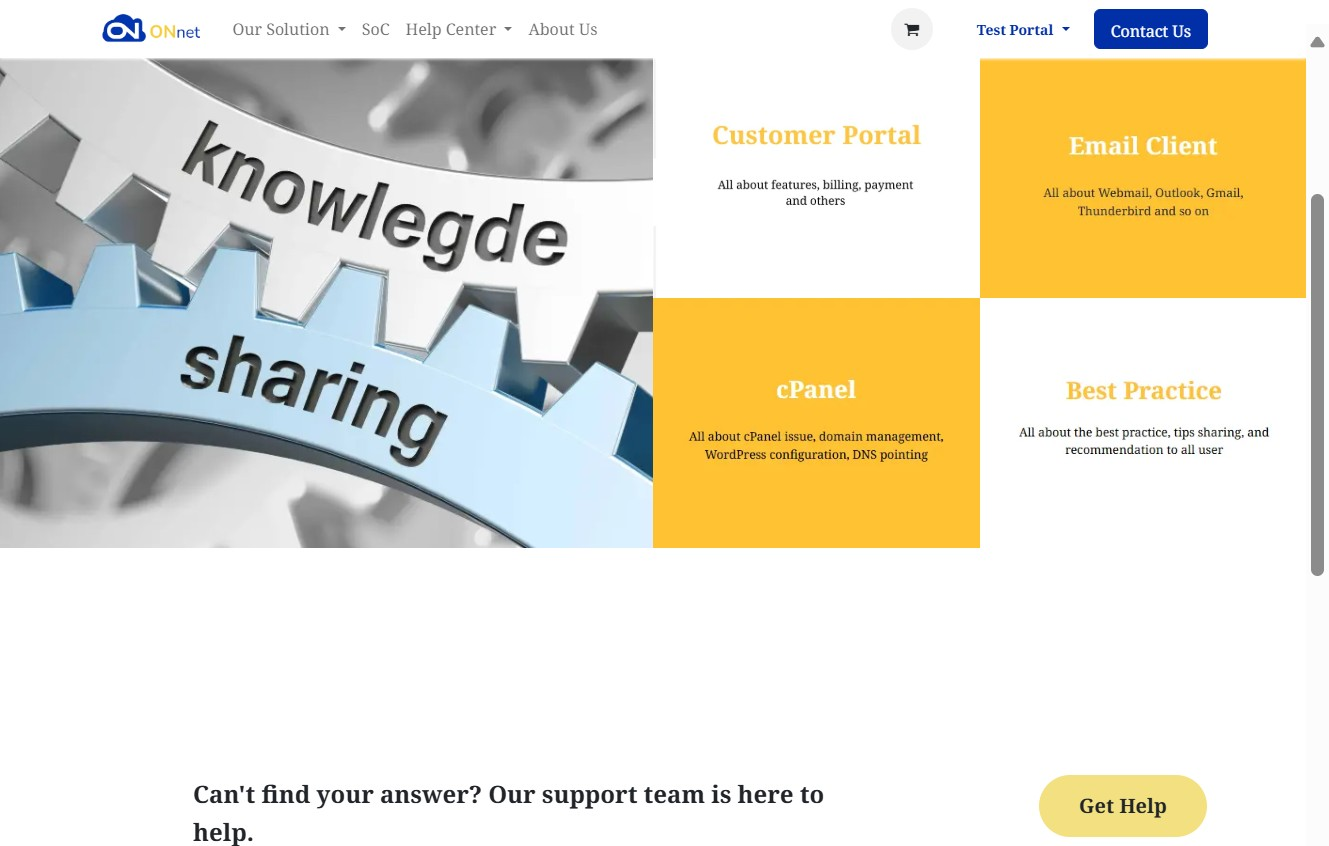
4. If you still can’t solve the problem, continue with submitting a ticket. Click "Get Help"
5. Fill in Ticket Details
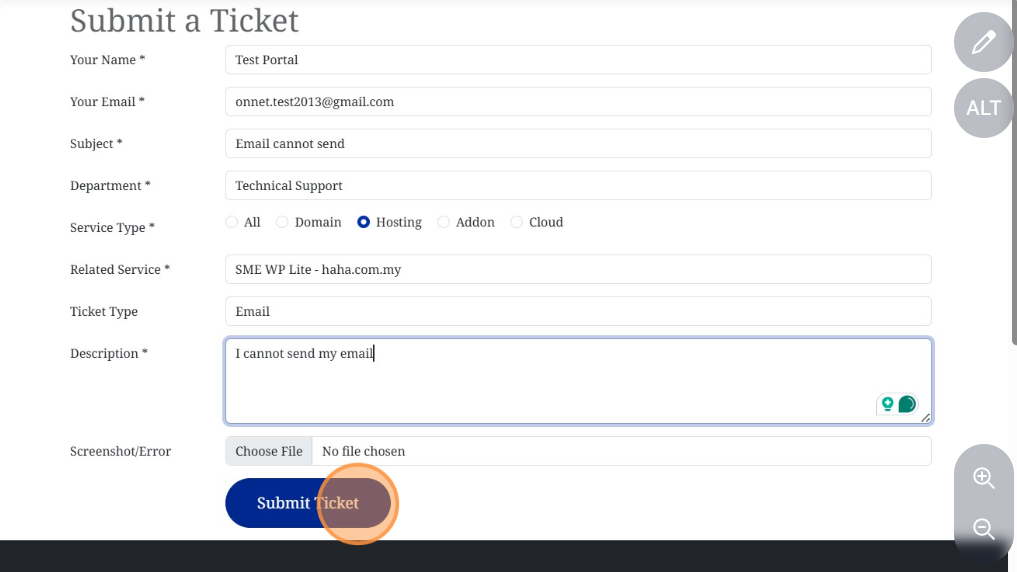
Subject – A short title for your issue (e.g., “Email cannot send”).
Department – Choose the correct department (Technical Support, Billing, Sales).
Service Type – Select the relevant category (Domain, Hosting, Addon, Cloud).
Related Service – Pick the specific service affected (if listed).
Ticket Type – Helps categorize the issue (Email, Network, Billing, etc.).
Description – Provide details of the issue.
- Include steps to reproduce the problem, any error messages, and when it started.
Screenshot / Error Log (Optional) – Attach a file if you have one — it helps the team troubleshoot faster.
6. Click Submit Ticket
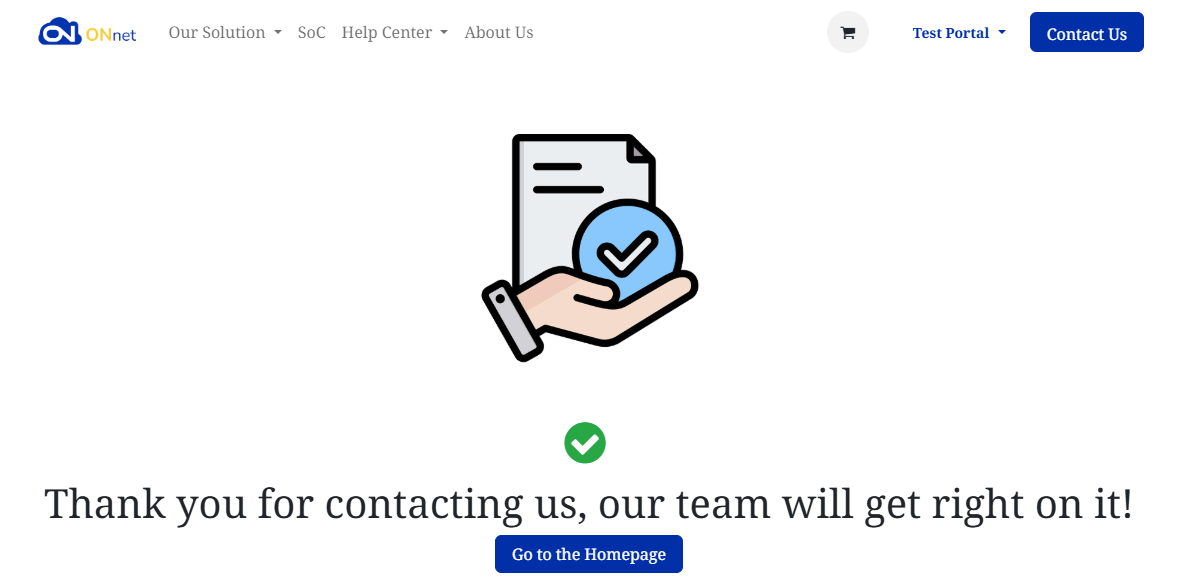
7. You’ll see a confirmation page:
Go to the Client Portal, then click on Tickets to view your support requests.