How to log in to the Portal
🤟
How to log in to the Portal
If this is your first time logging into the portal, you’ll receive an invitation email like the one below.
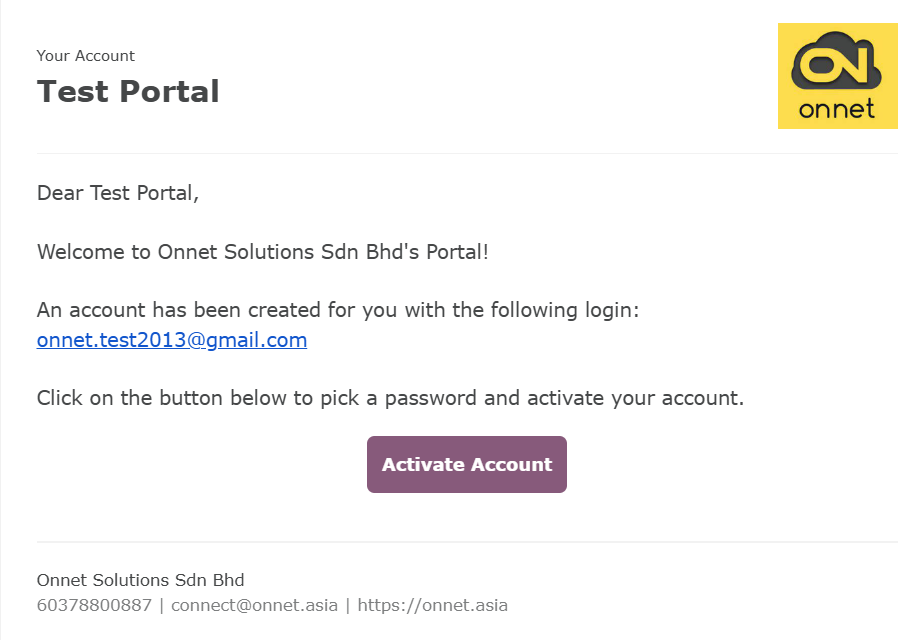
1. Click the “Activate Account” button in the email.
2. Set your password when prompted.
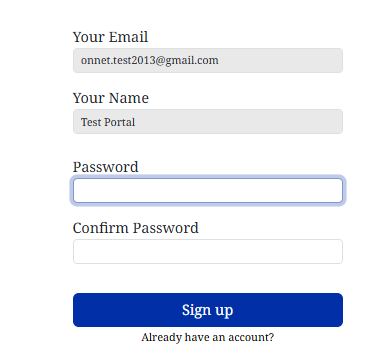
3. Click “Sign Up” to complete the process — your account will now be active! 🎉
If you have logged in before, simply follow these steps:
1. Go to https://onnet.asia/
2. Click the “Sign In” button.

3. Enter your email and password.
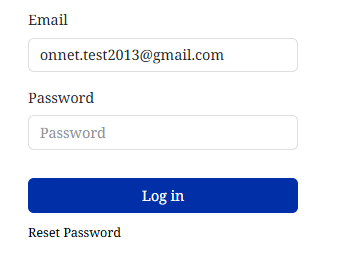
4. Click “Log In” to access your account.