How to reset the portal password
🔁
Resetting Your Portal Password
If you need to reset your password, follow these steps:
1. Go to https://onnet.asia/
2. Click the “Sign In” button.

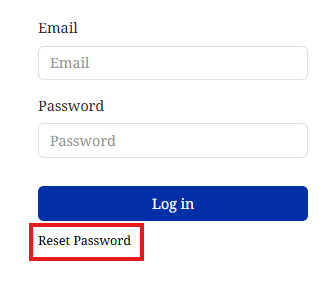
3. On the sign-in page, click “Reset Password.”
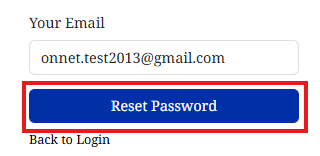
4. Enter your email address and click “Reset Password.”
5. You’ll receive a change password email like the one below.

6. Click the “Change Password” button.
7. Set a new password when prompted.
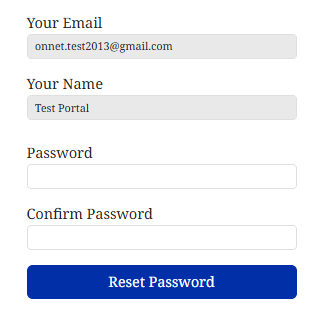
8. Click “Reset Password” to complete the process.