Updating Your Profile
🔼
Updating Your Profile
1. Log in to the portal. If you don't know how to log in can refer article:
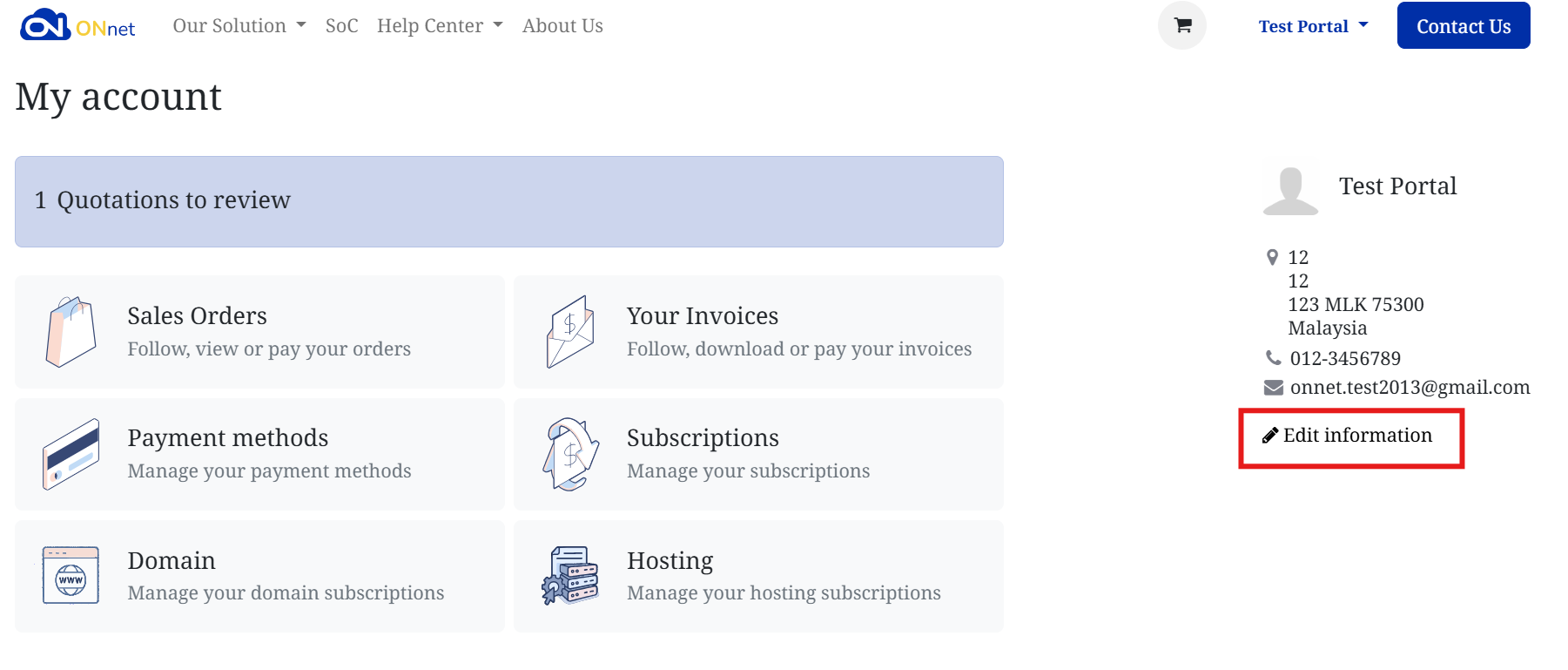
2. From the My Account page, look at the right side where your profile info is displayed.
Click Edit Information
3. You’ll be taken to the Details page where you can update:
- Name – Your personal name.
- Email – The email address linked to your portal account.
- Phone – Your contact number.
- Street / City / Zip / State – Your billing address.
⚠️ Note: Company Name, VAT Number, and Country can’t be changed once documents (like invoices) have been issued. For those changes, contact support.
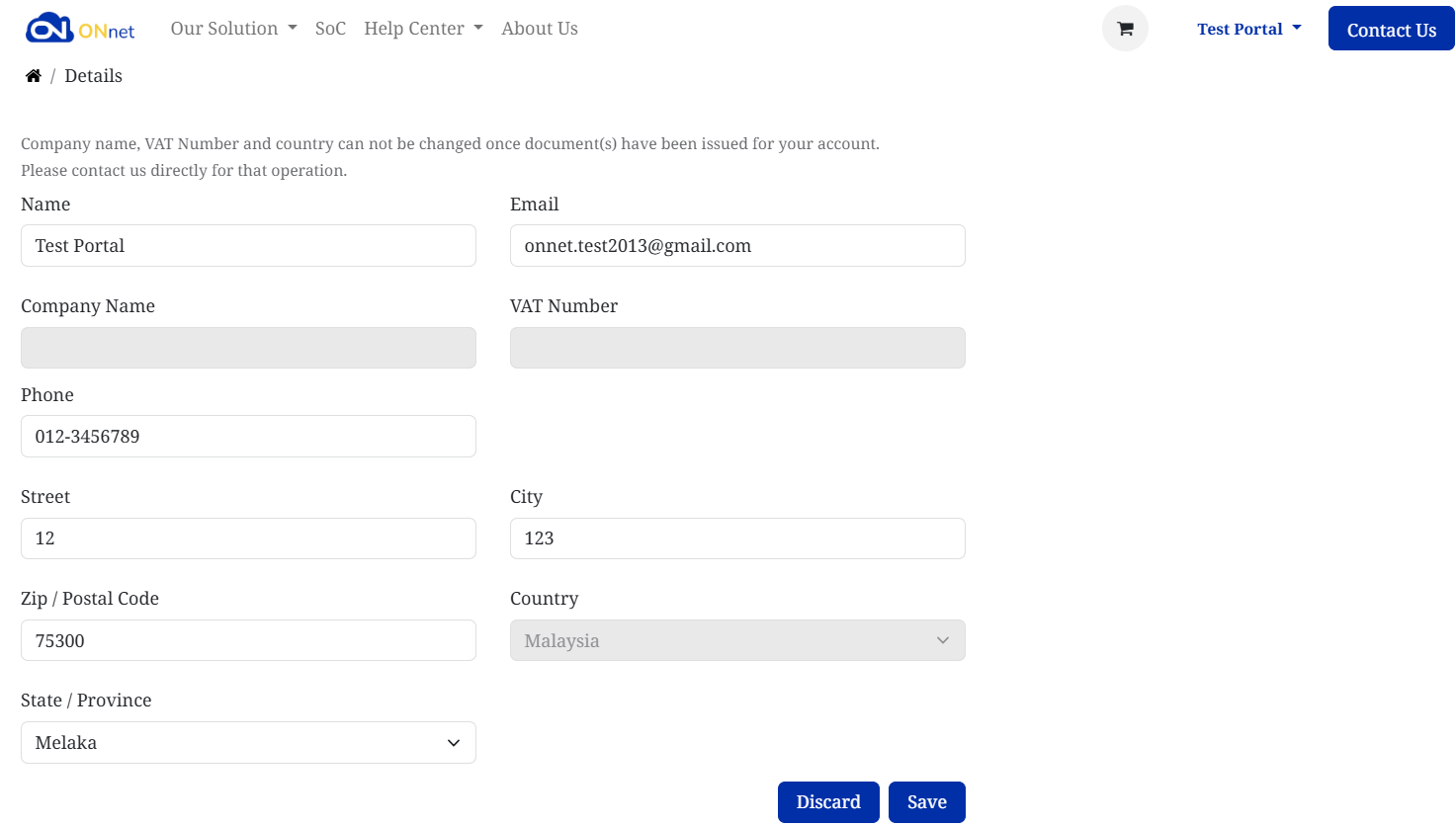
- Click Save to confirm your updates.
- If you changed your mind, click Discard to cancel.