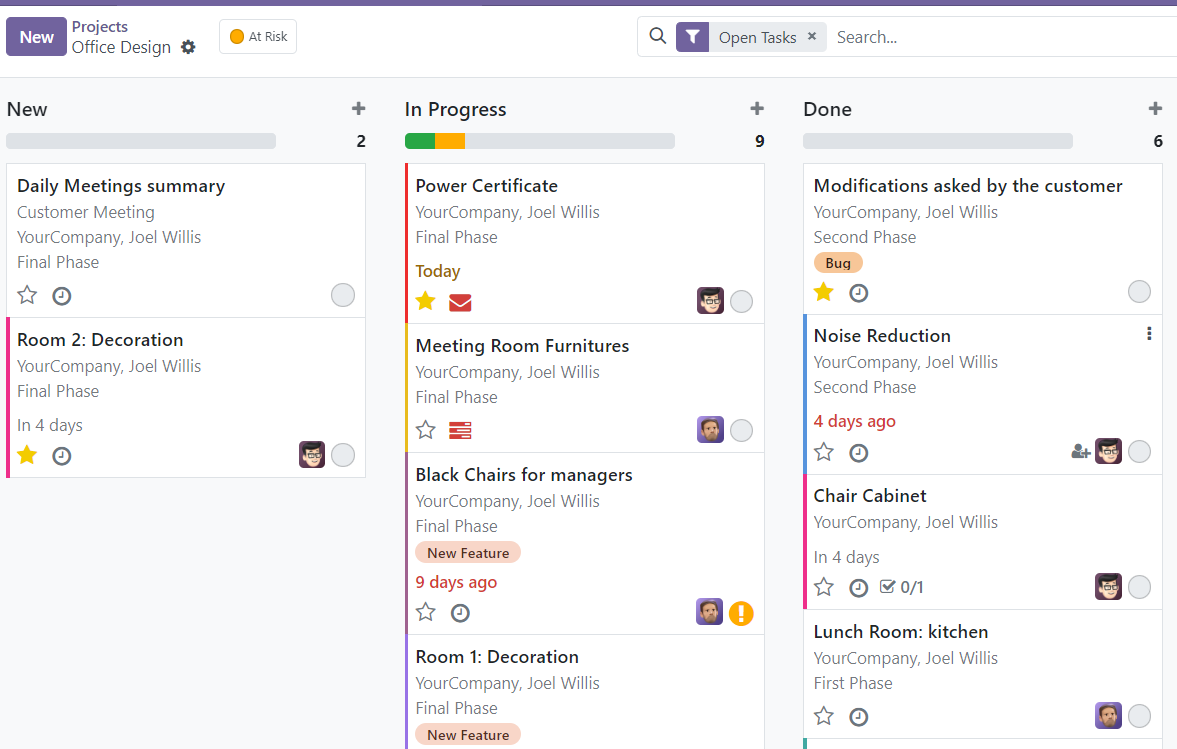
Apps
Apps is designed to address specific business requirements, and users can choose and install only the apps that are relevant to their operations.
Apps is also classified as the first level to access the database records and perform some actions on them.
In order to navigate into the apps, a home menu icon is located on the top-left of the screen. Once it is opened, the list of apps will be shown.
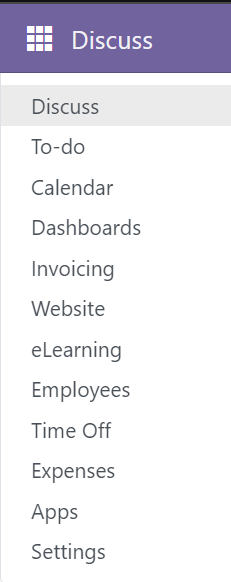
Menus
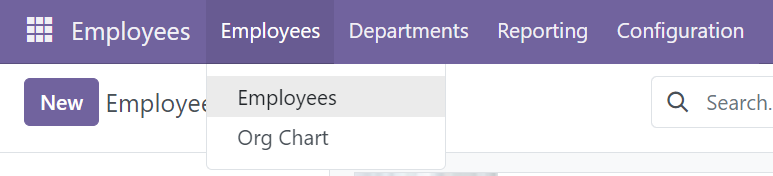
Menus are the navigation links that allow users to access different type of views and records within the system. Users can navigate through the different menus to access specific records such as sales, employees, eLearning courses, and more.
Menus is classified as the second level to access the records.
The menus are organized in a hierarchical structure, some of the menus will have more nested menus. To switch between the menus, click the menus located at the top row of the screen. Some of the menus is nested with more menus.
Views
Views are used to display database records with different layouts for every menus. Views determine how data is displayed and interacted with in the Odoo system. There are several types of views which are commonly used, including form views, list views and Kanban views.
Form views
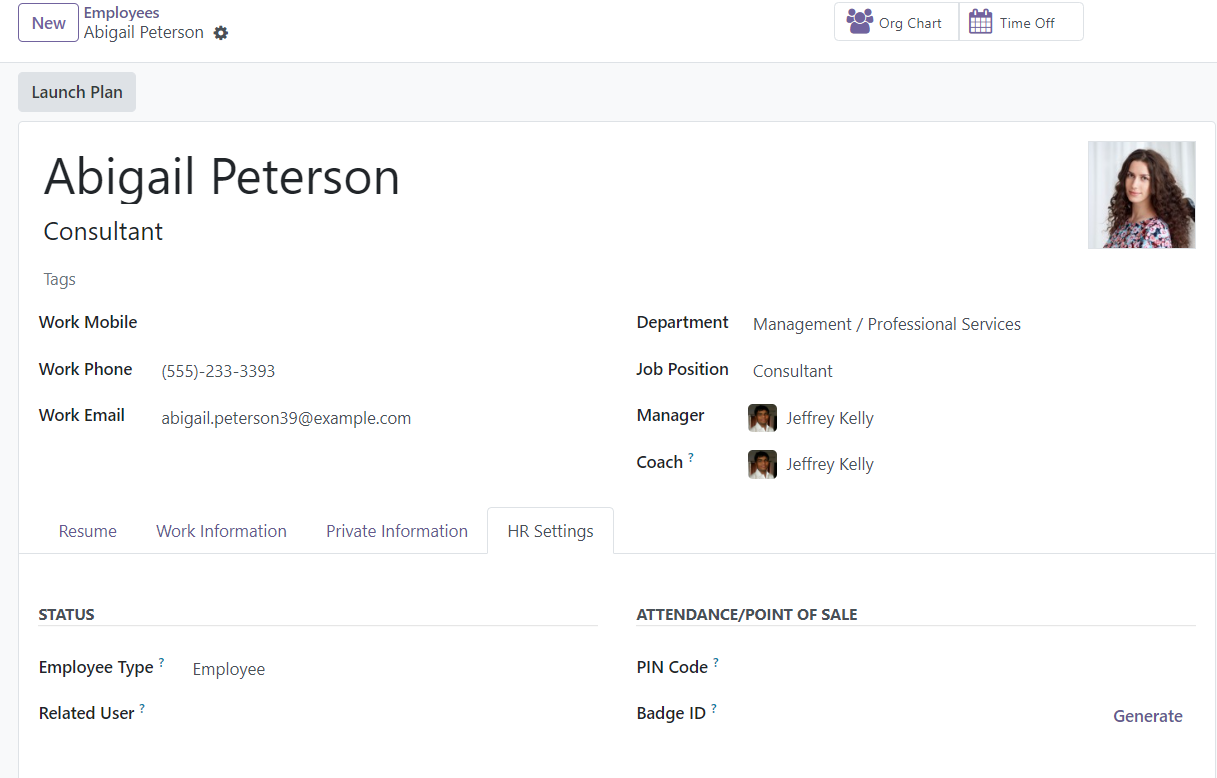
Form views are used to display and edit individual records in a module. They will display full information of a record.
List views
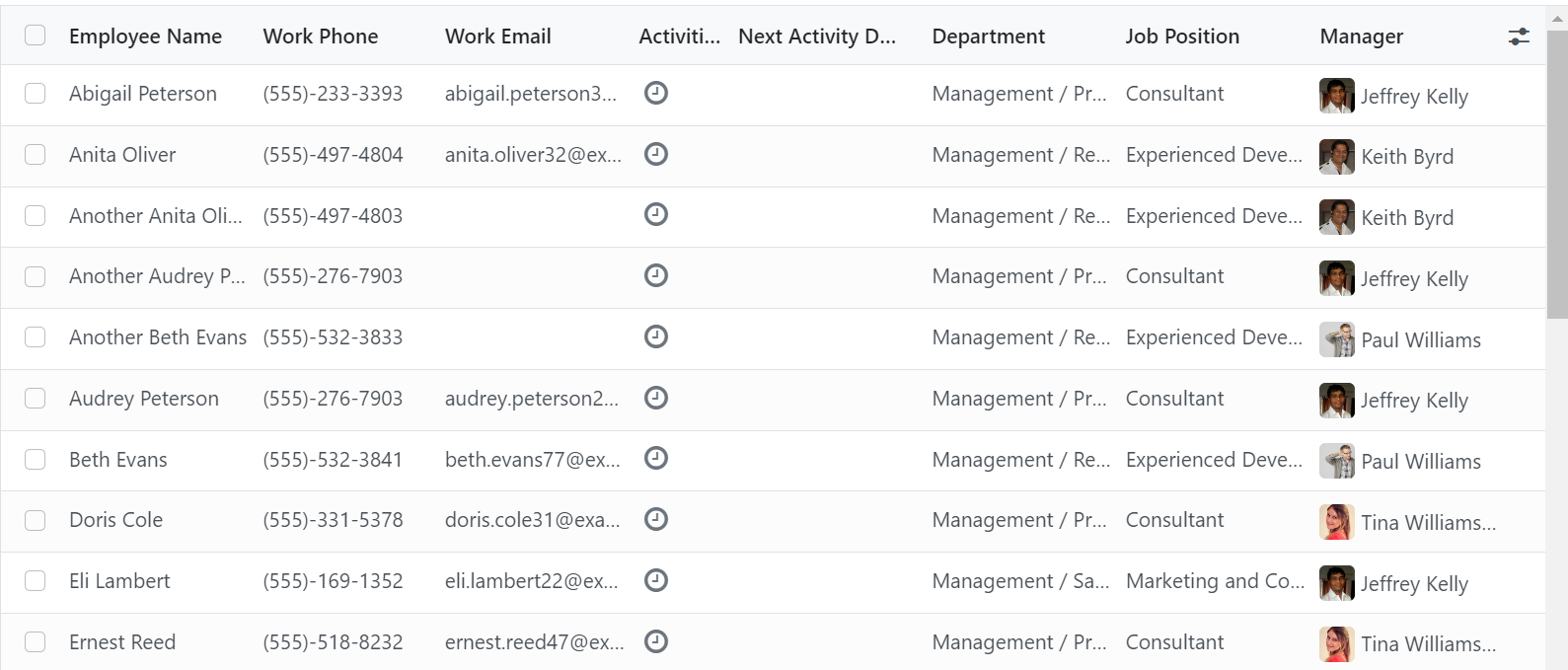
List views will display multiple records in a tabular format with more information. List view can also perform sorting for the records.
Kanban views
Kanban views visualize records and place important information within a box. Kanban views may also support drag & drop features and mainly used for workflow management.